AutomateIt
Home and building automation, designed and built by ESO. One platform drives the lights, blinds, climate, gates, pumps, energy readings and electric-car charging of a building, from a web app, from wall screens and from atHouse, its native app for iPhone, iPad, Mac and Apple TV.
What it does
Rooms and controls
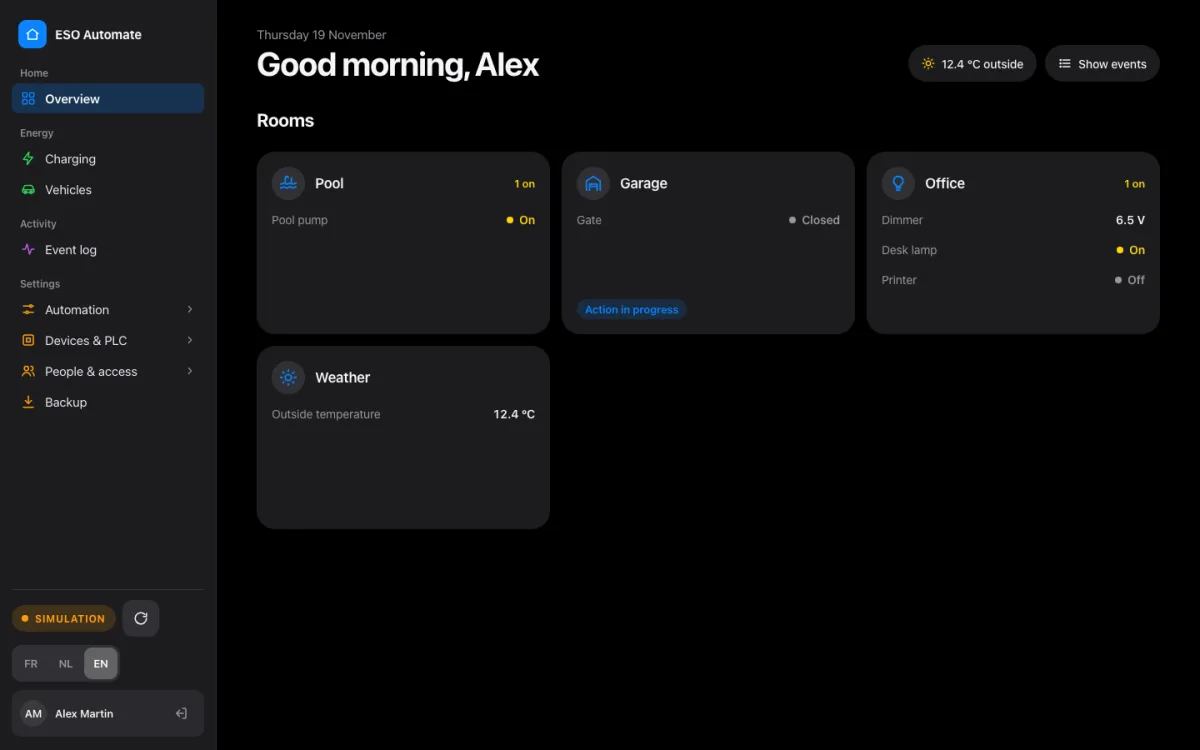
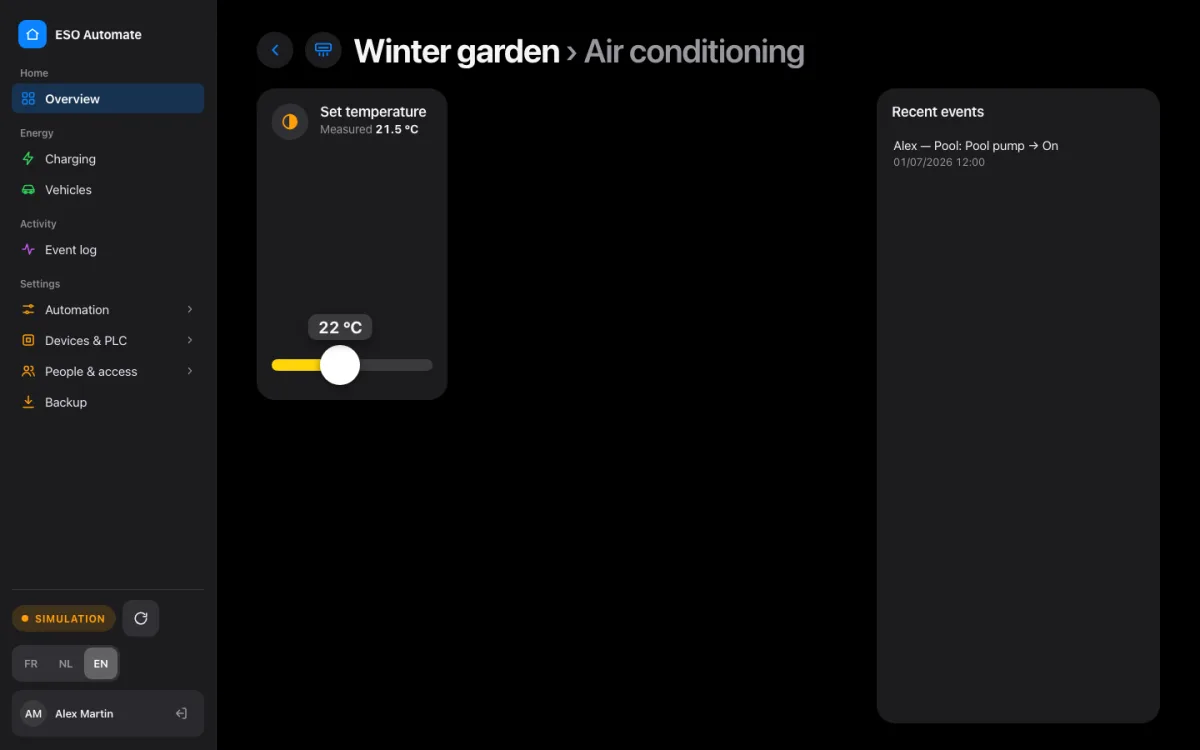
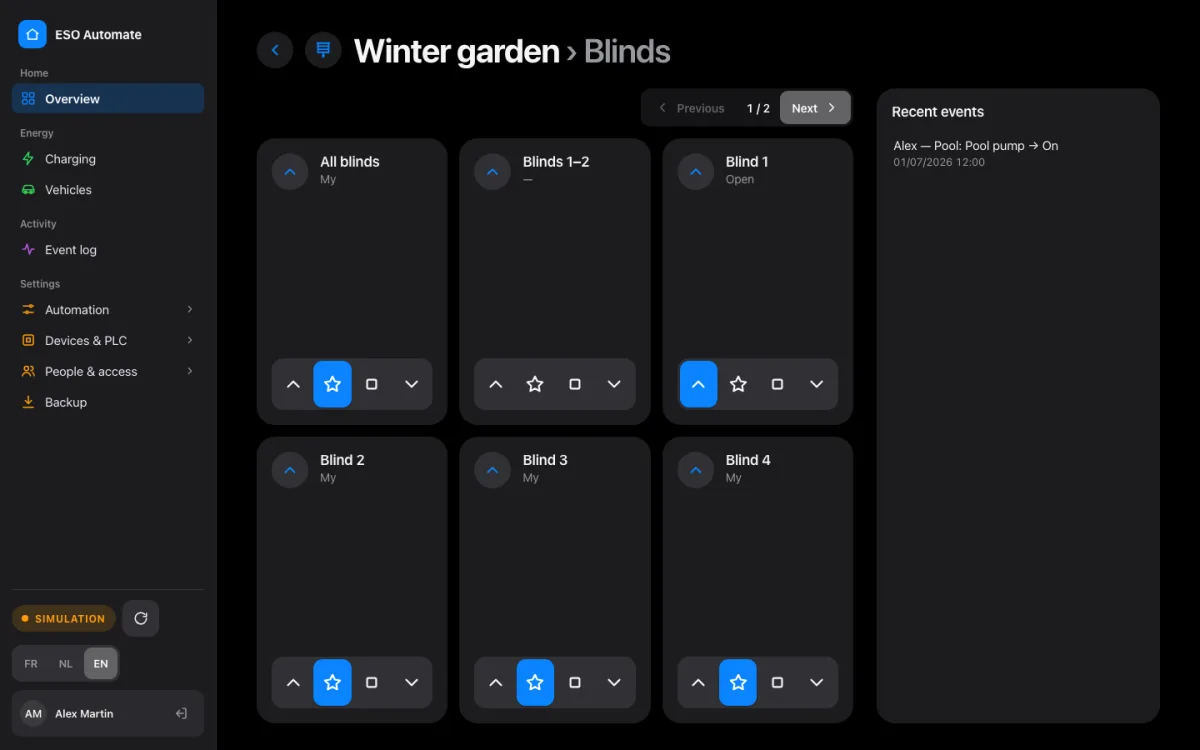
Every room on one screen: lights and dimmers, blinds, heating and air-conditioning setpoints, gates and pumps, with their live state.
Scenes and automation
Scenes and rules that link buttons to outputs. The logic runs in the industrial controller or in software, and is configured in the app, not in code.
Energy and EV charging
Power and energy readings, charging sessions and monthly reports. An unknown car waits for an administrator's approval before it charges.
Event log and audit
Who did what, when and where: every action and every configuration change is recorded and can be filtered by room, period and category.
People and access
Single sign-on, and access profiles that decide per screen and per operation who may see or change what. Wall screens get their own, limited identity.
Simulation built in
Every hardware integration has its own simulator, switchable at run time: new features are tested end to end without touching the real equipment.
The interface is available in English, French and Dutch.
The web app
A Blazor web app for the desktop and the tablet, with live updates as soon as something changes in the building.
Wall screens
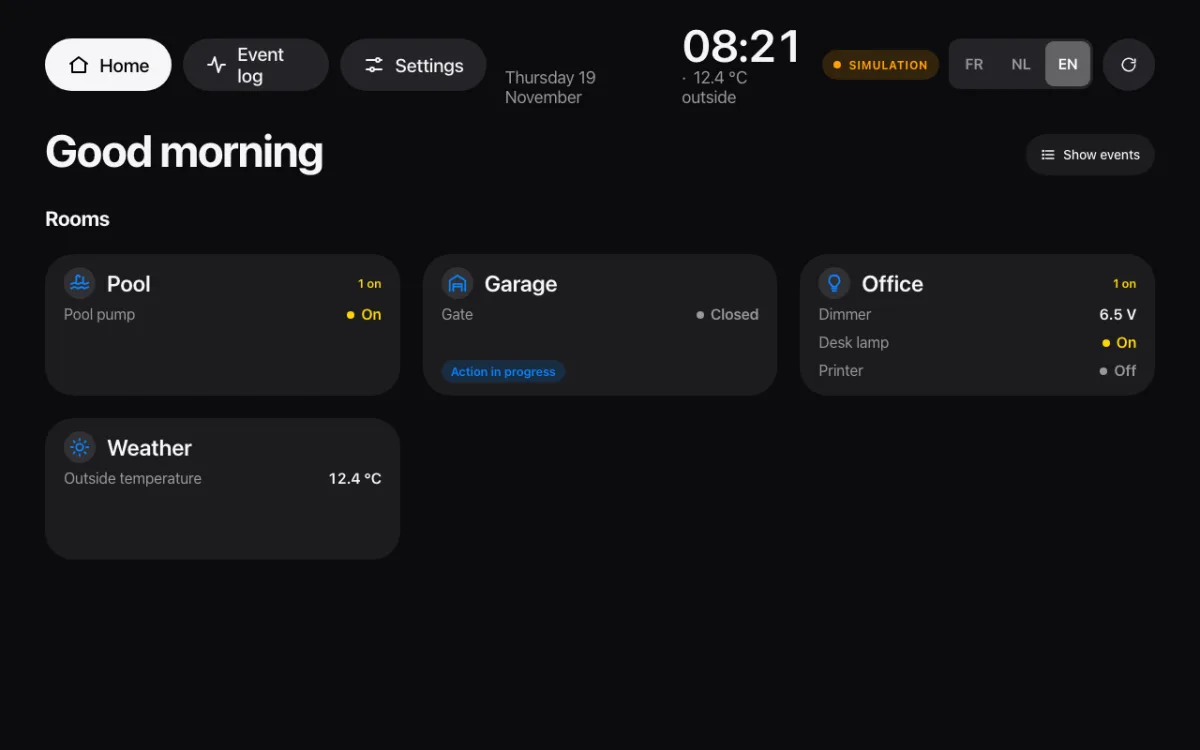
A kiosk mode for screens on the wall: large controls, the time and the outside temperature, and only what that screen is allowed to do.
atHouse, the Apple app
atHouse is the native app of AutomateIt, written in SwiftUI for iPhone, iPad, Mac and Apple TV. Residents sign in with their own account, follow the house live and act on it from anywhere in the house. On Apple TV it becomes a wall screen for the living room. atHouse is distributed privately to the residents of the buildings it manages; a demo mode with an invented house shows what it can do.
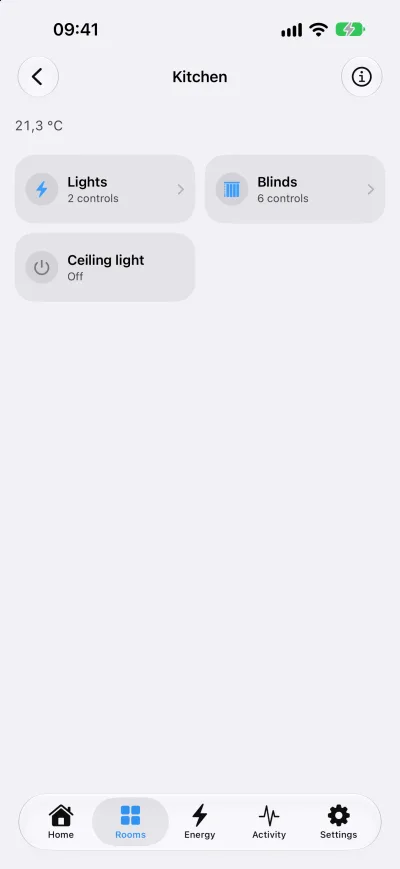
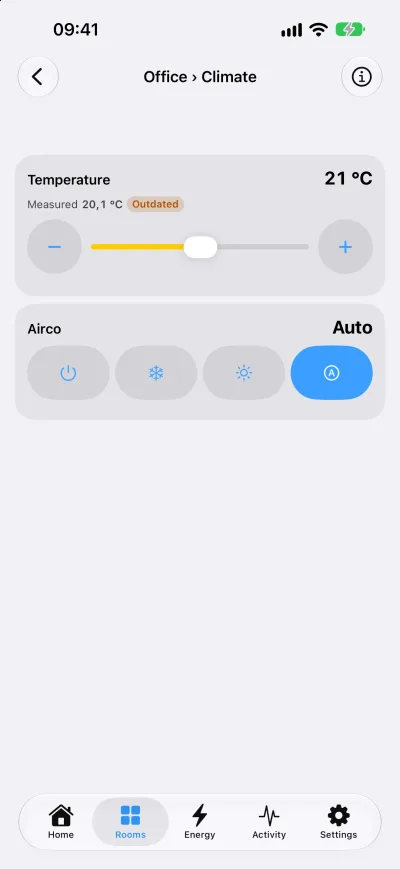
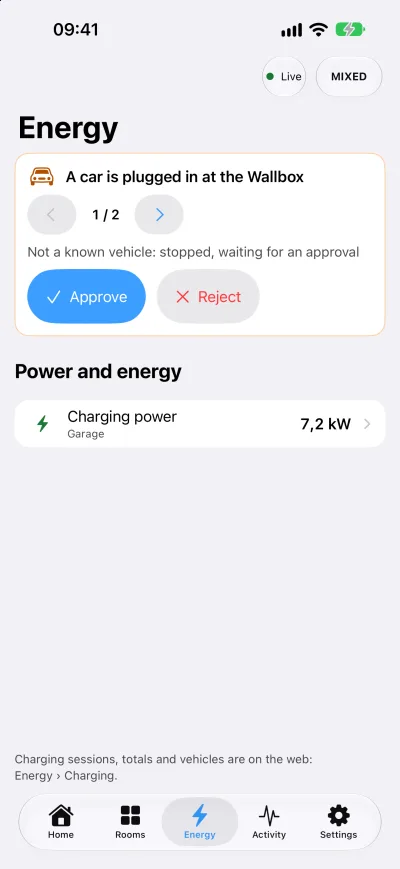
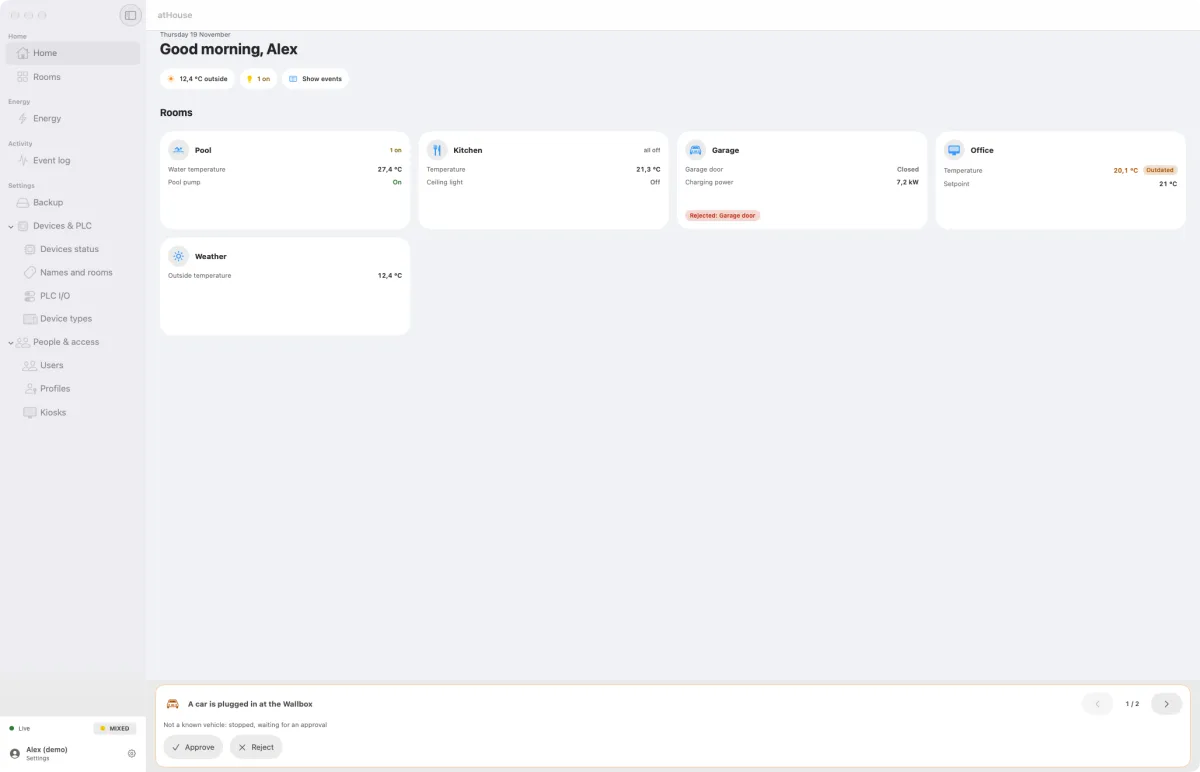
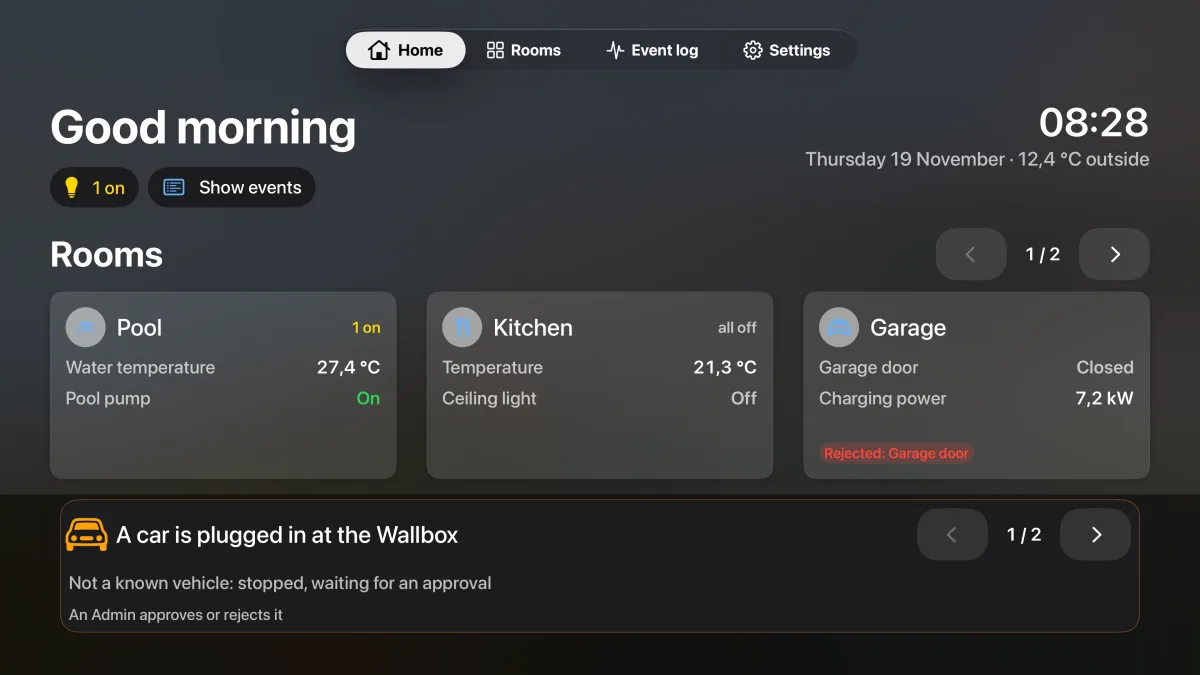
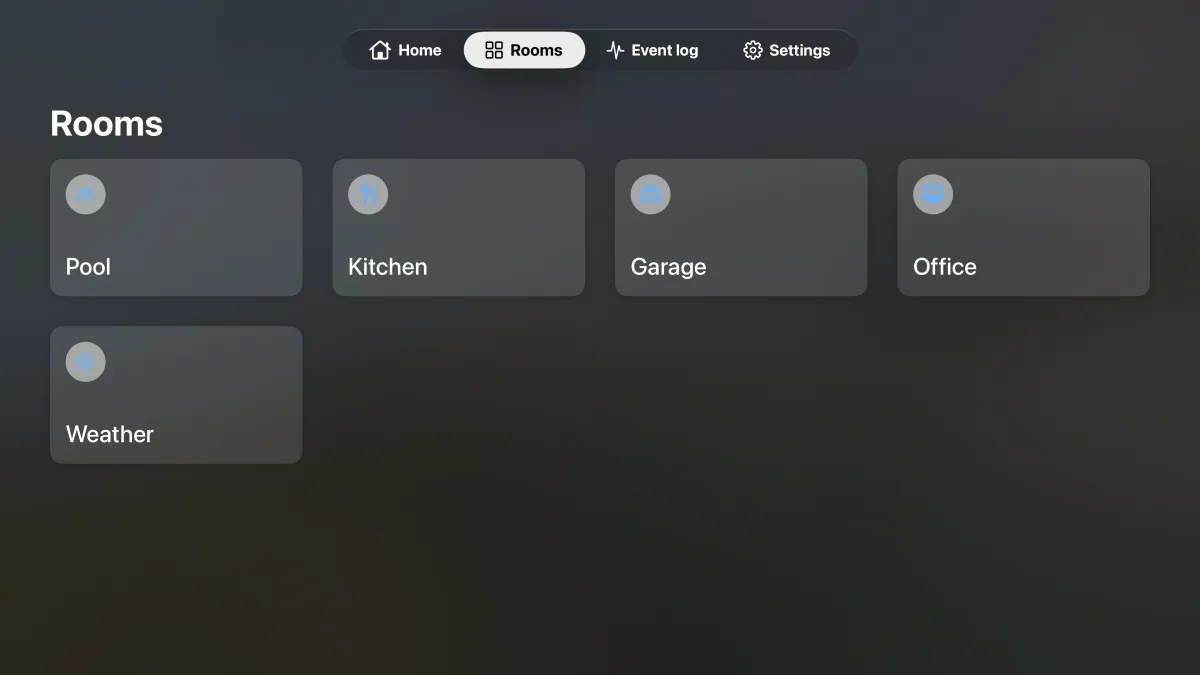
Screenshots of the demo house, with invented rooms and values. atHouse's privacy policy: www.eso.be/athouse/privacy.
How it is built
AutomateIt is a .NET 10 solution in clean architecture, running as containers on Kubernetes, with Dapr for the communication between its services and PostgreSQL for its data. atHouse follows the same layering in Swift. Read more:
- The architecture: services, messaging, data, security, observability and delivery.
- The clean architecture: layers, the dependency rule, use cases and tests, in .NET and in Swift.
Interested in automation for your home or building? Contact ESO.